Exercise 4: Create static pages (optional)
In case you decided to build a meetup app front end from scratch, you'll need to add a few static pages to your app. They can be ugly at the moment, but we need some way to show the data. If this is too much, you can still clone the existing app from here and start from the first exercise.
Tasks
Let's create the following pages:
- A list of all meetups
- Meetup details page
- Add a meetup
- Update a meetup
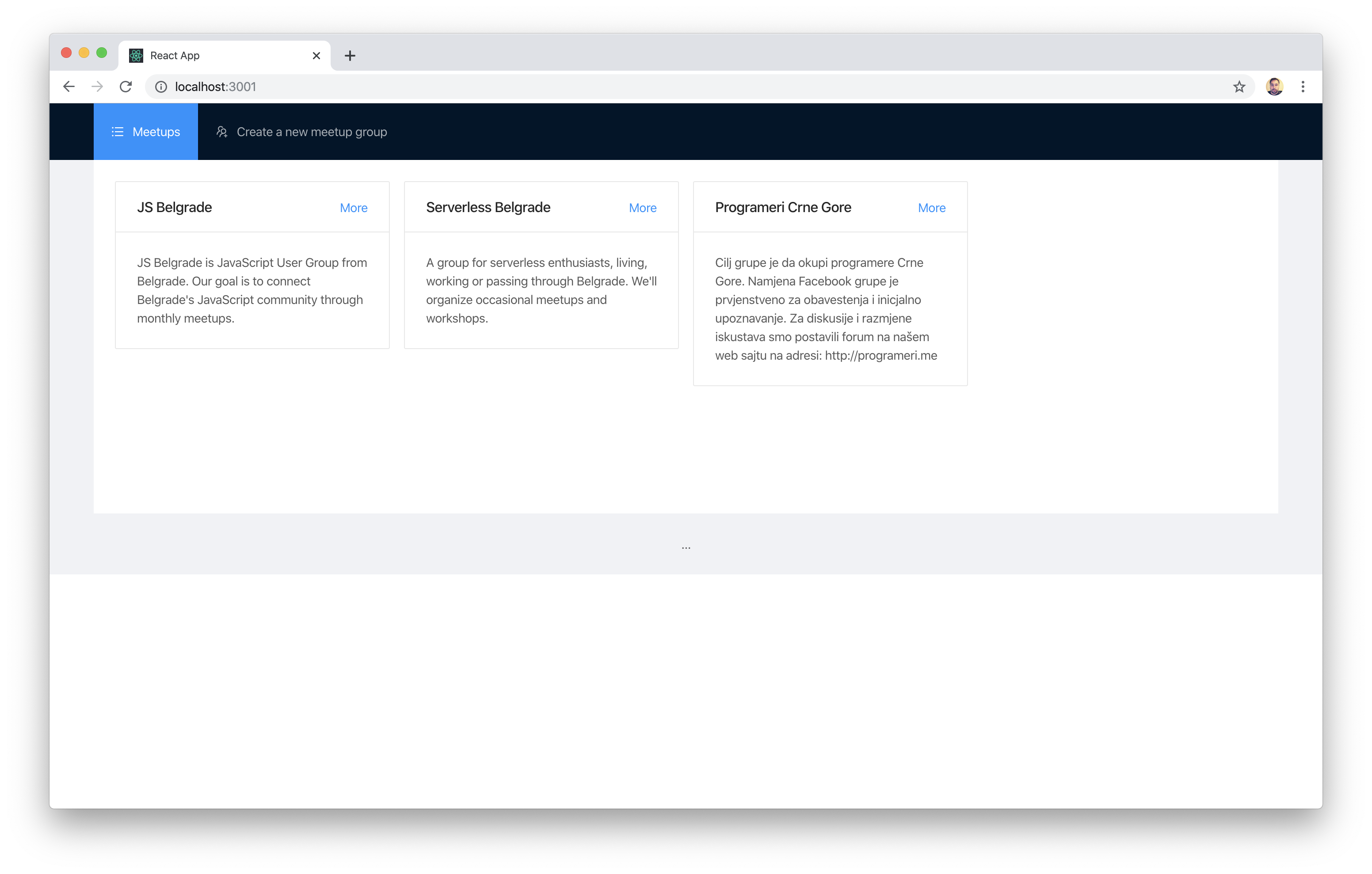
A list of all meetups
Show a list of all meetups. At the moment we don't have data, so you can show some dummy data.
There's no special design you should follow, but it can look similar to the following mockup:
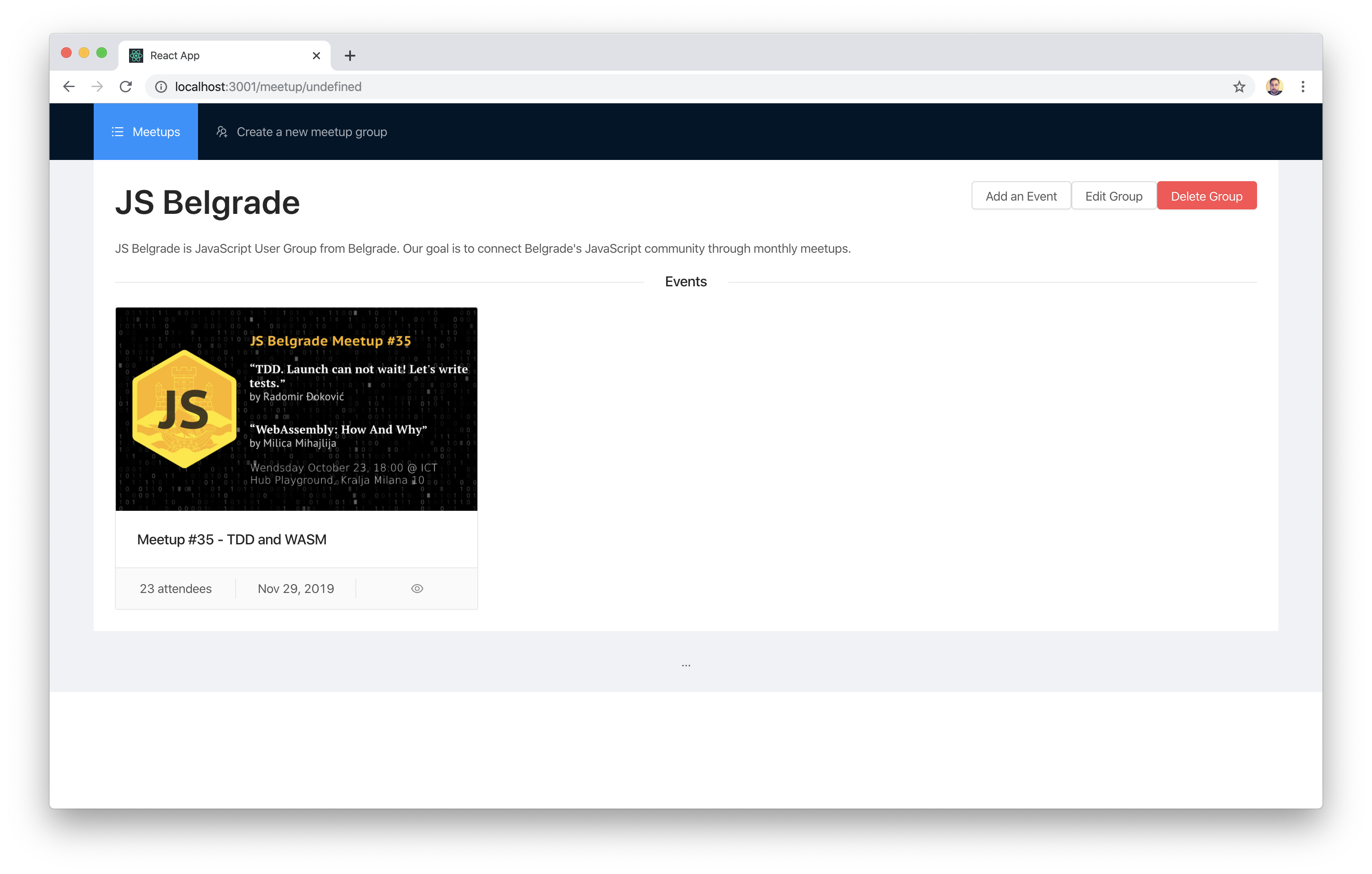
Meetup details page
Once user clicks on a single meetup from the list, you need to show the meetup details.
There's no special design you should follow, but it can look similar to the following mockup:
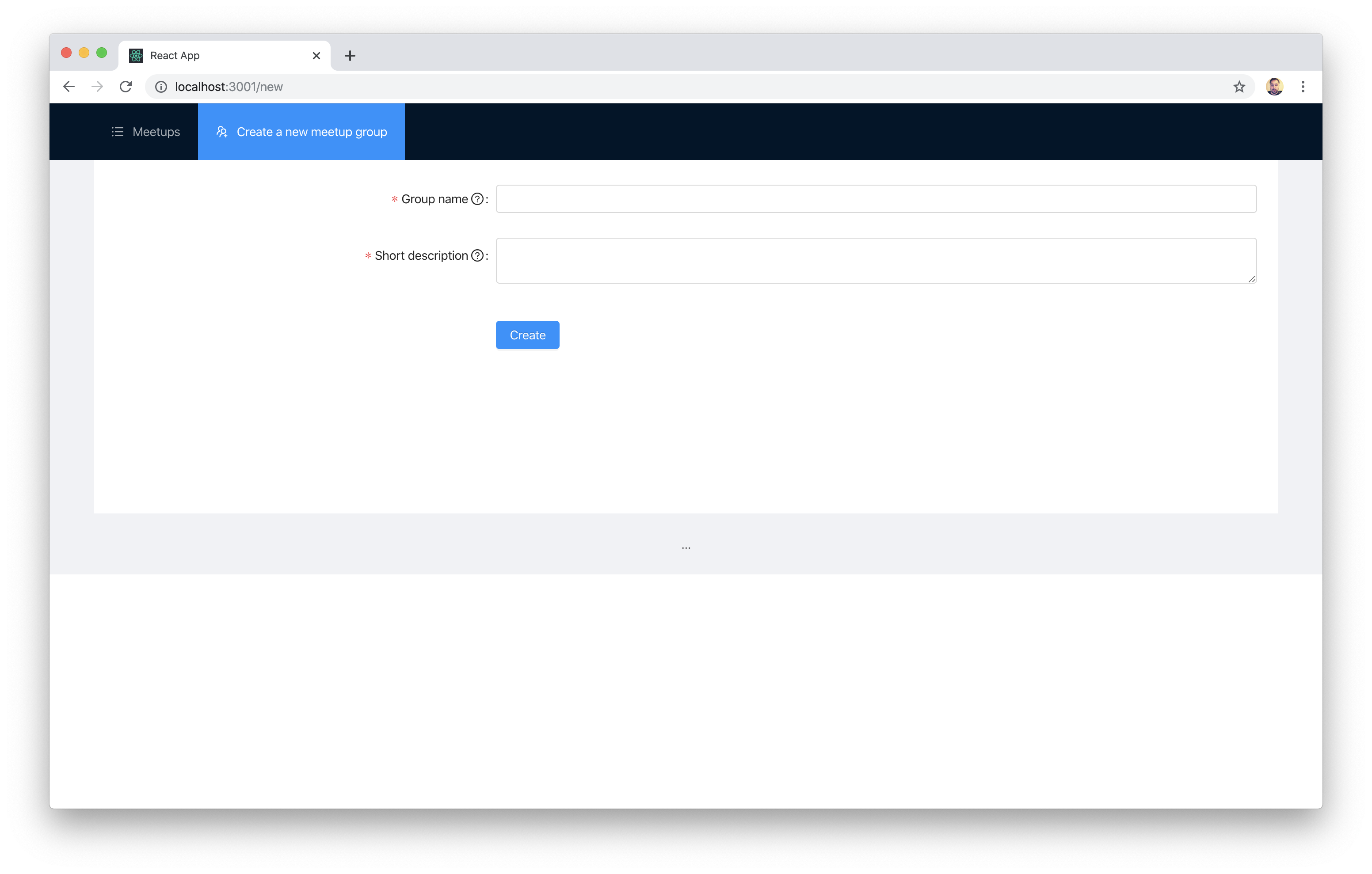
Add a meetup
Users need to be able to add meetups, so you need to create a new meetup form.
For the sake of simplicity, assume that the name of the group will be also entered in this form.
There's no special design you should follow, but it can look similar to the following mockup:
Update a meetup
From the meetup details screen, users can click to the edit button to edit the meetup. Edit form should look similar to new meetup form, but it need to be prefilled.
For the sake of simplicity, assume that the name of the group will be also entered in this form.
There's no special design you should follow.
Hints
- We don't care about UI at the moment, feel free to make this ugly :)